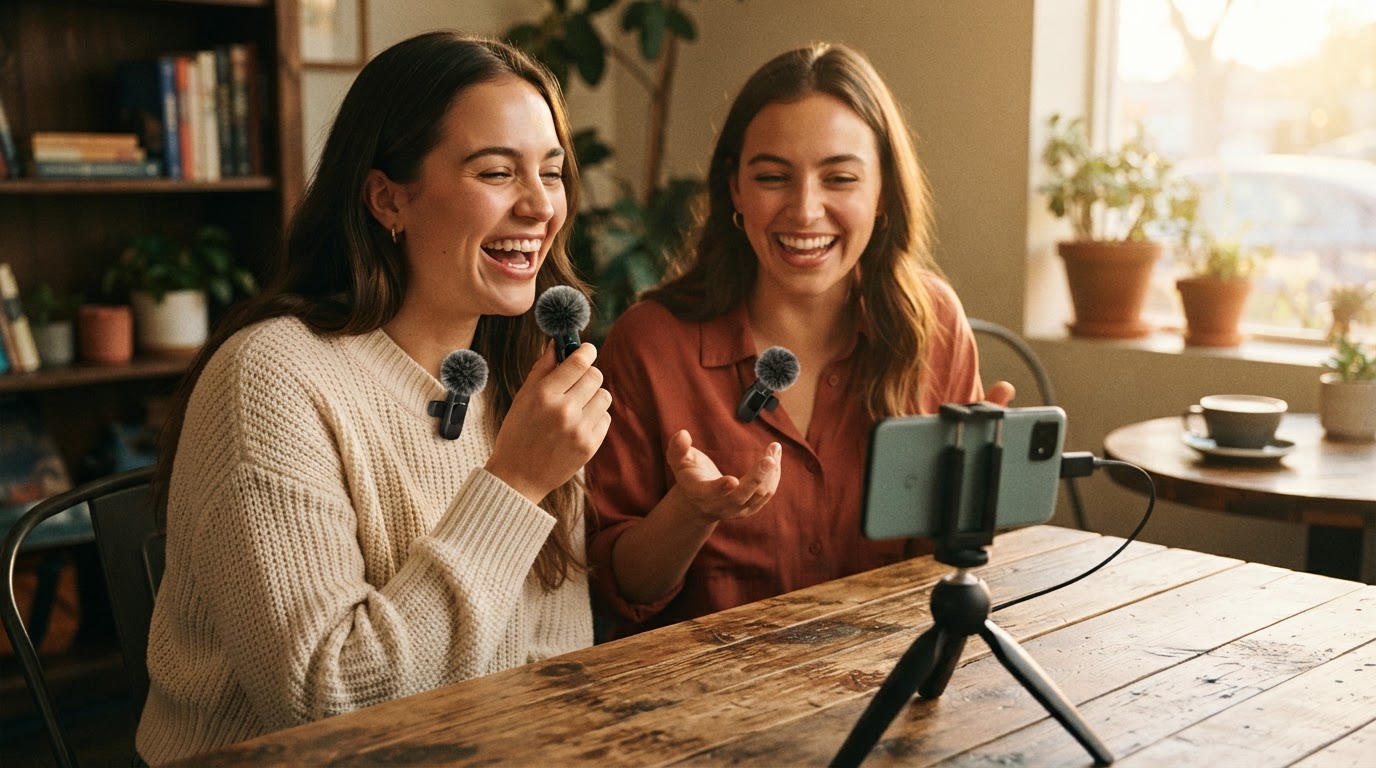
Dual Lapel Microphone Setup for Android USB-C Devices
 Jordan HaleStaff Writer
October 25, 2026 — The rising demand for mobile high-fidelity audio has placed the Dual Lapel Microphone at the center of the Android content creation ecosystem.
I remember sitting in a crowded cafe, trying to capture a conversation on my phone while the hiss of the espresso machine threatened to swallow every word. The first thing I noticed was how the lack of a dedicated interface made the internal mic pick up everything but the guest's voice. According to reporting by Android Central, the transition to USB-C as a universal audio standard has simplified hardware connectivity, but software recognition for multi-channel input still requires a deliberate approach.
The 5-Step Android Connection
Setting up a Dual Lapel Microphone on a modern Android device involves navigating the specific handshake between the USB-C port and the wireless receiver. When I first slid the receiver into the port, the tactile click was reassuring, but the real work happened in the settings menu. Most Android devices now recognize external audio interfaces immediately, yet for two-person setups, you must ensure the device is not defaulting to the internal mono mix. It turns out that checking the 'OTG' (On-The-Go) setting is the most critical step; if this is toggled off, the receiver won't draw power from the phone. During my testing, the connection remained stable even as I moved twenty feet away, provided the line of sight was clear. The gain control on the transmitter becomes your best friend here, as Android's auto-gain can sometimes be aggressive. I found that setting the transmitter gain to a medium level allowed the phone's processor to handle the incoming signal without clipping. This is particularly useful for dual lapel microphone solutions for USB-C hardware where two distinct signals are being compressed into one stream. If you are using this for dual lavalier microphone for zoom meetings 2 people, ensure the app permissions are set to 'External Microphone' to avoid the dreaded echo of the built-in hardware.
Expert tip: Always monitor your audio levels through a pair of USB-C headphones or a splitter if your receiver doesn't have a dedicated 3.5mm monitor jack, as Android's visual levels can sometimes lag behind the actual signal.
Finding the right balance between hardware and software makes all the difference in a professional workflow. Whether you are building dual lapel microphone solutions for USB-C hardware or prepping for dual lavalier microphone for zoom meetings 2 people, the physical connection is just the start.